Reading Python documentation#
Scientific programming involves unfamiliar objects. Expertise does not mean remembering every method; it means finding the relevant information efficiently and checking that it applies to your object.
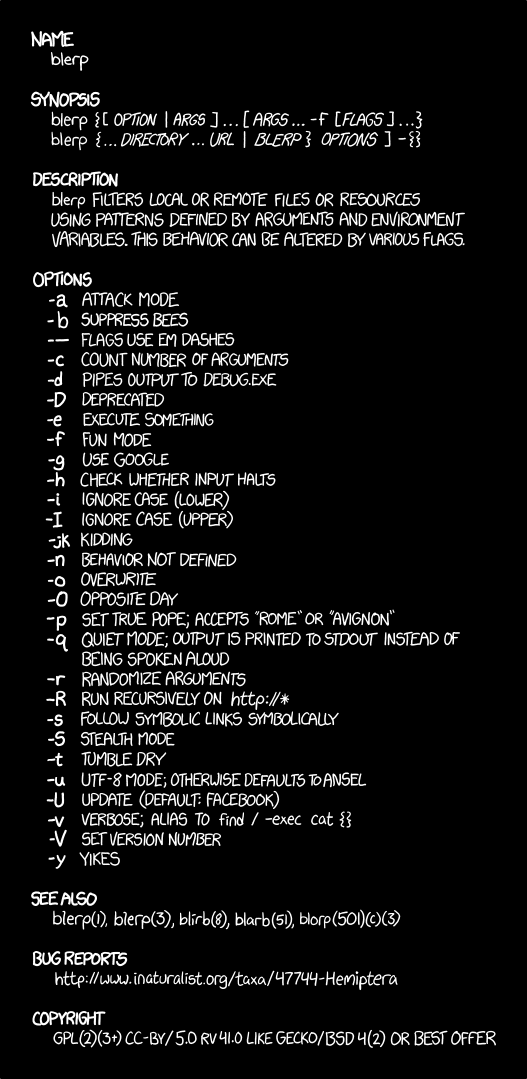
Fig. 6 Documentation sometimes sends you to more documentation. Start with the signature, return value, and one small example. “Man Page” by Randall Munroe, licensed CC BY-NC 2.5.#
Start with the object#
When code is unclear, inspect the value you actually have:
type(value)
print(value)
repr(value)
For scientific objects, also look for structural information:
value.shape       # NumPy arrays, tensors, DataFrames
value.dtype       # NumPy arrays and tensors
value.columns     # DataFrames
value.keys()      # dictionaries and mapping-like objects
Use help#
Python can display documentation in the editor or terminal:
help(str.split)
help(dict.get)
help(np.mean)
For a concrete object:
help(epochs.mean)
Focus on five parts:
signature: accepted parameters and defaults;
summary: what the function promises to do;
parameters: valid types and meanings;
returns: type and shape of the result;
examples/notes: edge cases and intended usage.
Read a function signature#
Consider a simplified signature:
mean(axis=None, dtype=None, out=None, keepdims=False)
This tells us:
axisdefaults toNone, so all values are averaged;keepdimsis optional and defaults toFalse;keyword arguments make intent visible:
mean(axis=0, keepdims=True);optional parameters should not be changed without a reason.
You can inspect signatures programmatically:
from inspect import signature

signature(np.mean)
Methods versus functions#
These may perform a similar operation:
np.mean(epochs, axis=0)   # function from the NumPy namespace
epochs.mean(axis=0)       # method belonging to the array
When reading documentation, verify which one you are using. Parameters and behaviour can differ across types even when method names match.
Attributes versus method calls#
epochs.shape      # attribute: access stored information
epochs.mean()     # method: perform an operation
If you forget parentheses, Python gives you the method object rather than its result:
print(epochs.mean)    # <built-in method mean ...>
print(epochs.mean())  # a number
Read examples critically#
Documentation examples are demonstrations, not recipes for every dataset. Before adapting one, compare:
object type;
array shape or DataFrame columns;
units;
missing-value behaviour;
default parameter values;
library version.
Version matters
An online example may target a different library version. Record important package versions in an environment file and prefer the current official documentation for that version.
Build a minimal experiment#
When a description remains abstract, create the smallest example whose answer you can verify manually:
import numpy as np

small = np.array([
    [1, 2, 3],
    [10, 20, 30],
])

print(small.shape)
print(small.mean(axis=0))
print(small.mean(axis=1))
This is often more informative than repeatedly running a method on a large research dataset.
Documentation workflow in VS Code#
Hover over a function or method to view its signature and docstring.
Place the cursor inside a call to see parameter hints.
Use Go to Definition to find where a name comes from.
Run
help(object.method)in the Python terminal.Open the official API reference if details remain unclear.
Test the behaviour with a tiny example.
Return to the research data and check type, shape, and assumptions again.
Asking a precise question#
Compare these:
My NumPy code does not work.
epochshas shape(80, 32, 500). I want to average trials and preserve channels × time, butepochs.mean(axis=2)returns(80, 32). Which axis represents trials?
The second question contains the operation, current structure, expected structure, and discrepancy. That makes it much easier for a peer, teacher, or search engine to help.
Exercise 3 (Documentation detective)
Use help(sorted) or the official Python documentation to answer:
Does
sorted()modify its input?What does its
keyparameter expect?How would you sort records by reaction time?
Hint
Look at the function signature first. Identify which arguments are required, which have defaults, and what the Returns section says about type and shape.
Solution to Exercise 3 (Documentation detective)
sorted() returns a new list. key accepts a function that extracts a comparison key from each item.
ordered = sorted(records, key=lambda record: record["rt"])